
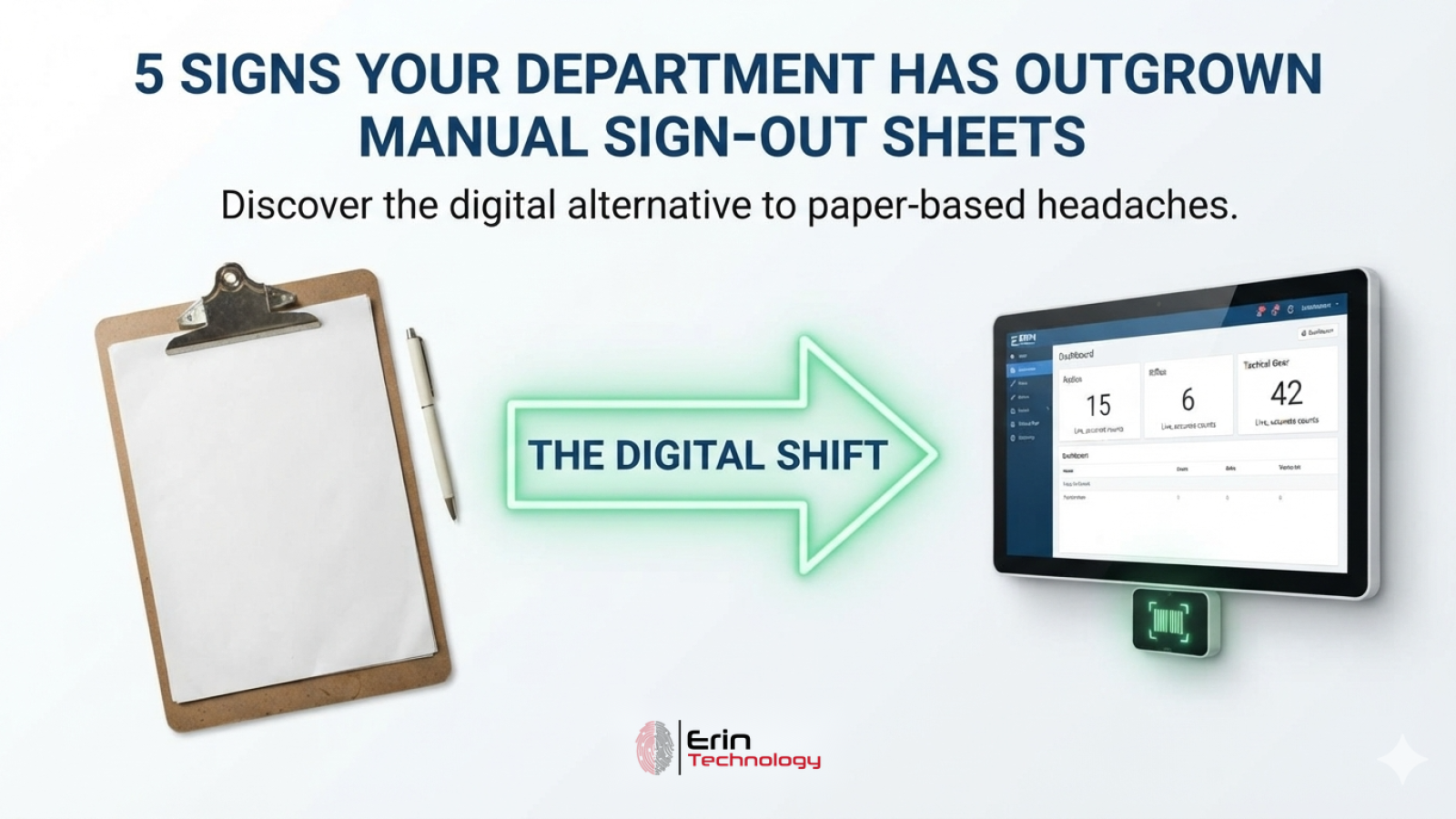
A clipboard at the counter and a sign-out binder worked fine when your agency had a few dozen items and a handful of staff who all knew each other. Somewhere between there and where most departments end up — more gear, more people, more shifts, more turnover — that same paper process starts to crack. It’s not a failure on anyone’s part. It’s just a sign the volume has outgrown the tool.
The tricky part is that this shift rarely announces itself with one dramatic failure. It shows up as a string of small frustrations that staff start to treat as normal: a missing sheet, a call to the previous shift, a count that runs long every single year. Looked at individually, each one seems minor. Looked at together, they describe a department that has already outgrown paper — it just hasn’t switched yet.
Here are five signs that shift has already happened at your department, and what a system built for it actually replaces.
1. You Can’t Say Who Has an Item Right Now Without Making a Few Calls
Ask yourself a simple question: if your chief asked right now who has a specific radio or rifle, could you answer in under a minute? On paper, the honest answer is often “let me check” — followed by flipping through a binder, calling the last shift, or hoping whoever borrowed it wrote it down in the right place.
A digital system automatically keeps that answer up to date. Pull up an item’s record, and its Checkouts tab shows exactly who has it now and its full assignment history — or pull up an officer’s record to see everything currently issued to them in one place. A barcode or QR code scan from any screen takes you straight to the matching asset or employee, so the answer is seconds away instead of a phone call. A live Dashboard adds the view from further back — accurate counts for assets, assigned items, employees, and more, updated as transactions occur rather than whenever someone last updated a spreadsheet.
2. Overdue Equipment Only Turns Up When Someone Happens to Notice
Paper sign-out sheets have no alarm clock. An item that should have come back last week just sits on the sheet, unremarkable, until someone needs it urgently or an inventory count finally catches it — by which point it may be long gone or forgotten entirely.
A system built for accountability surfaces this without anyone having to look for it. Anything past its due-back date appears automatically on the Dashboard and in a dedicated Overdue Returns queue listing every late item agency-wide, with a single-select action to process the return directly from that list. Nothing quietly disappears because nobody happened to look for it.
3. Your Annual Inventory Count Takes Days and Pulls Staff Off Duty
If a full inventory count means printing sheets, walking every shelf and rack by hand, and reconciling pencil marks against a spreadsheet afterward, it’s easy to lose several days and several officers to a task that produces no real report at the end — just a stack of paper someone has to retype.
Scanning changes the math. A dedicated Scan Station or the global scan bar available on every screen resolves a barcode or QR code to the matching item in a fraction of a second, whether your agency tracks a few hundred items or well over a hundred thousand. And when a whole shelf needs to move to a different location or status at once, a bulk action applies that change to every selected item in one step instead of opening records one at a time. The system also draws a distinction paper never bothers with: unique, serialized items like a specific rifle are tracked individually, while items like a case of gloves or a box of traffic cones are tracked by quantity — so a count matches how the equipment is actually managed instead of forcing everything into one format.
4. Getting Ready for an Audit Means Digging Through a Binder
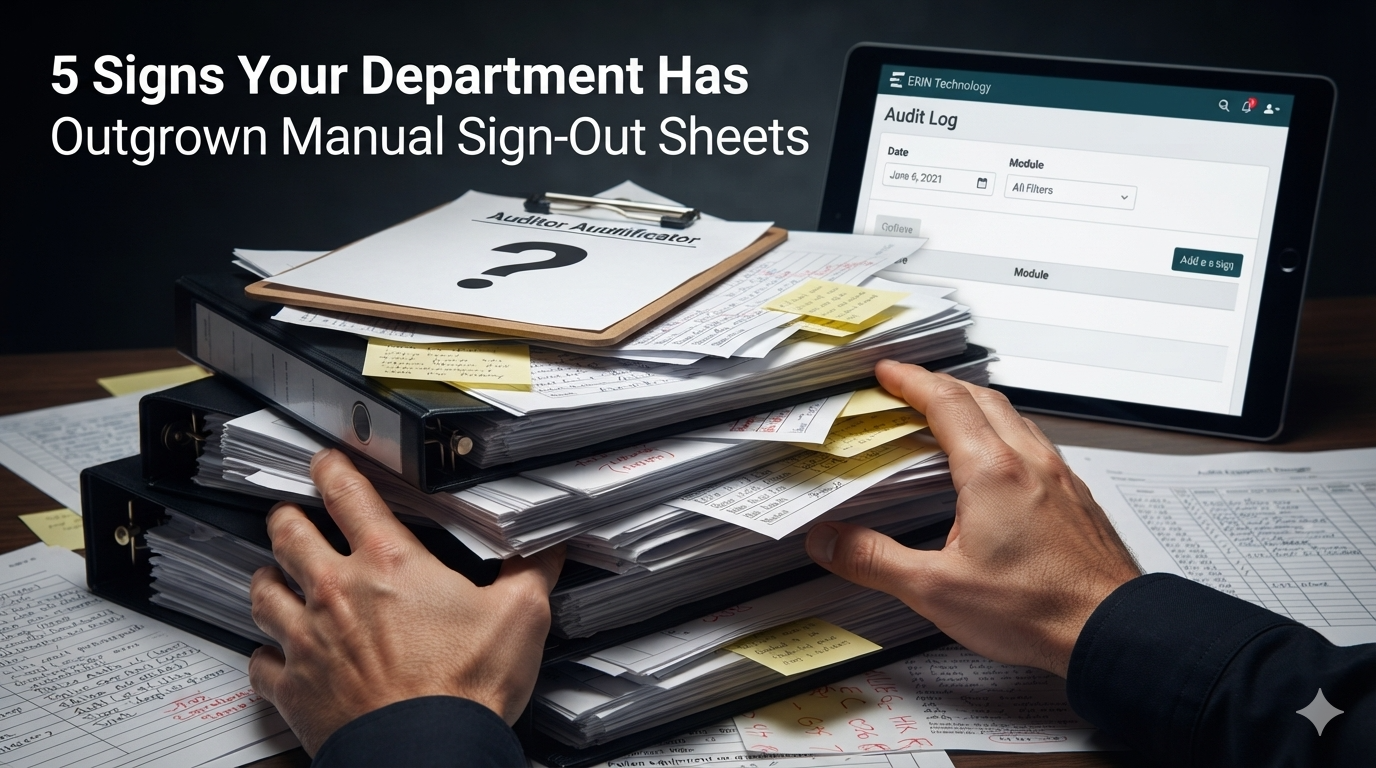
When an auditor asks for proof of who had a specific piece of equipment on a specific date, a paper process turns that into a research project — flipping through sign-out sheets, cross-referencing dates, and hoping nothing is missing or illegible.
Chain of custody should be a byproduct of the normal checkout process, not a separate task. Every issue and return can capture a signature at the point of handoff, and a signed receipt is generated automatically — that’s exactly what your agency hands an auditor as proof. Behind it, a system-wide Audit Log records every action across every module, filterable by date and module, and provides a full activity trail for every individual asset. Pulling together what an auditor needs takes minutes instead of a week of cross-referencing paperwork.
5. Every Change to What You Track Means Redesigning the Sheet
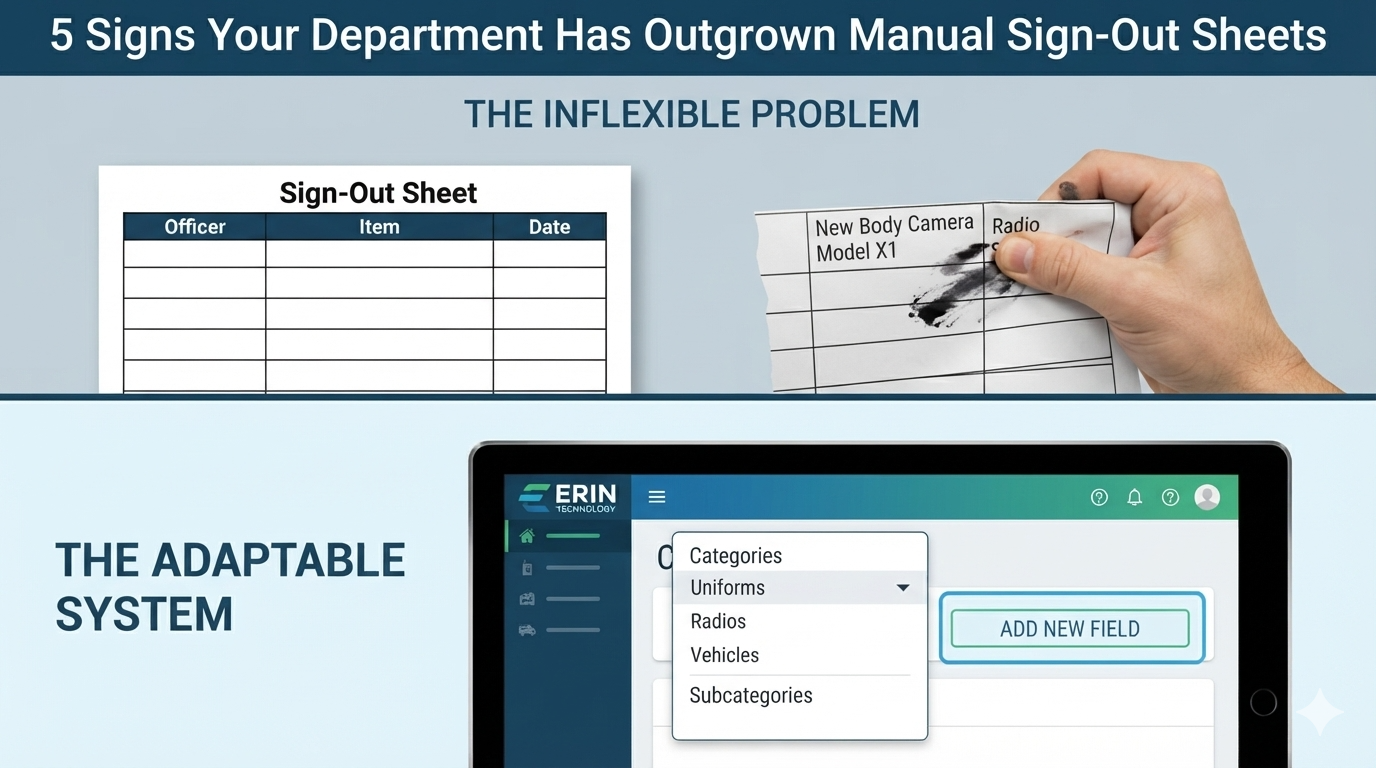
A sign-out sheet is only as flexible as the columns someone printed on it. Add a new category of equipment, or a field your agency suddenly needs to track, and now there’s a new version of the sheet to design, print, distribute, and get every shift to actually use — while old records stay behind on the outdated format.
A system built to grow with your agency doesn’t require a redesign every time your needs change. A two-level Category and Subcategory picker keeps every kind of equipment organized the way your agency actually organizes it, and an administrator can add new custom fields to any screen — no developer required — with those fields appearing automatically wherever they’re needed. Screens and module names can be renamed to match the terms your agency already uses, too — so if your team calls it “Uniforms” and the department across the county calls the same thing “Issued Equipment,” the system can be set up to match either one, without retraining anyone on new vocabulary. The structure adapts to your agency, not the other way around.
What This Adds Up To
None of these five signs on its own means your department is in crisis. Plenty of smaller agencies run on paper for years without serious trouble. But together, they describe a specific moment: the point where the volume of equipment, people, and shifts has outgrown what a sign-out sheet was ever designed to handle.
That moment isn’t a reason to start from zero. QMS7 includes built-in tools to import your existing records — categories, assets, history — into the system, rather than asking your agency to rebuild everything by hand, and it includes unlimited training for as long as your team needs it. If any of these five signs sound familiar, reach out to your ERIN Technology representative to talk through what moving off paper would actually look like for your agency.