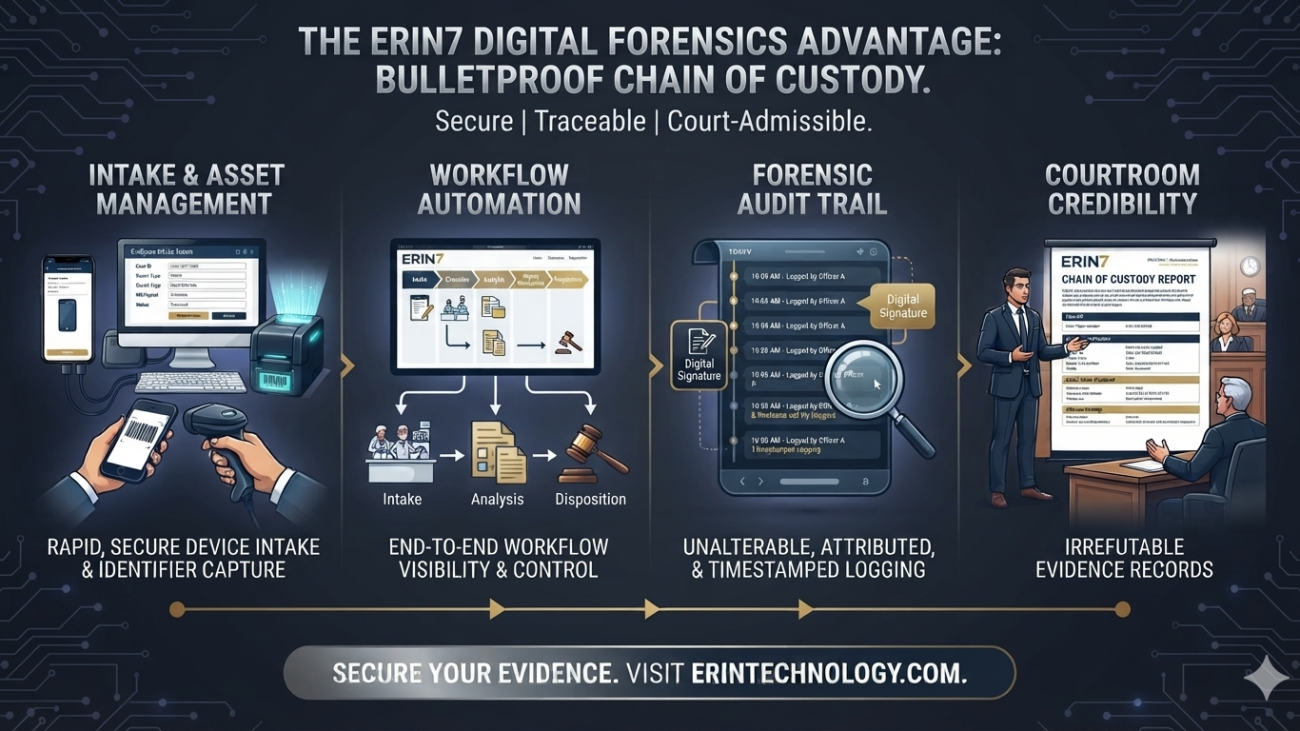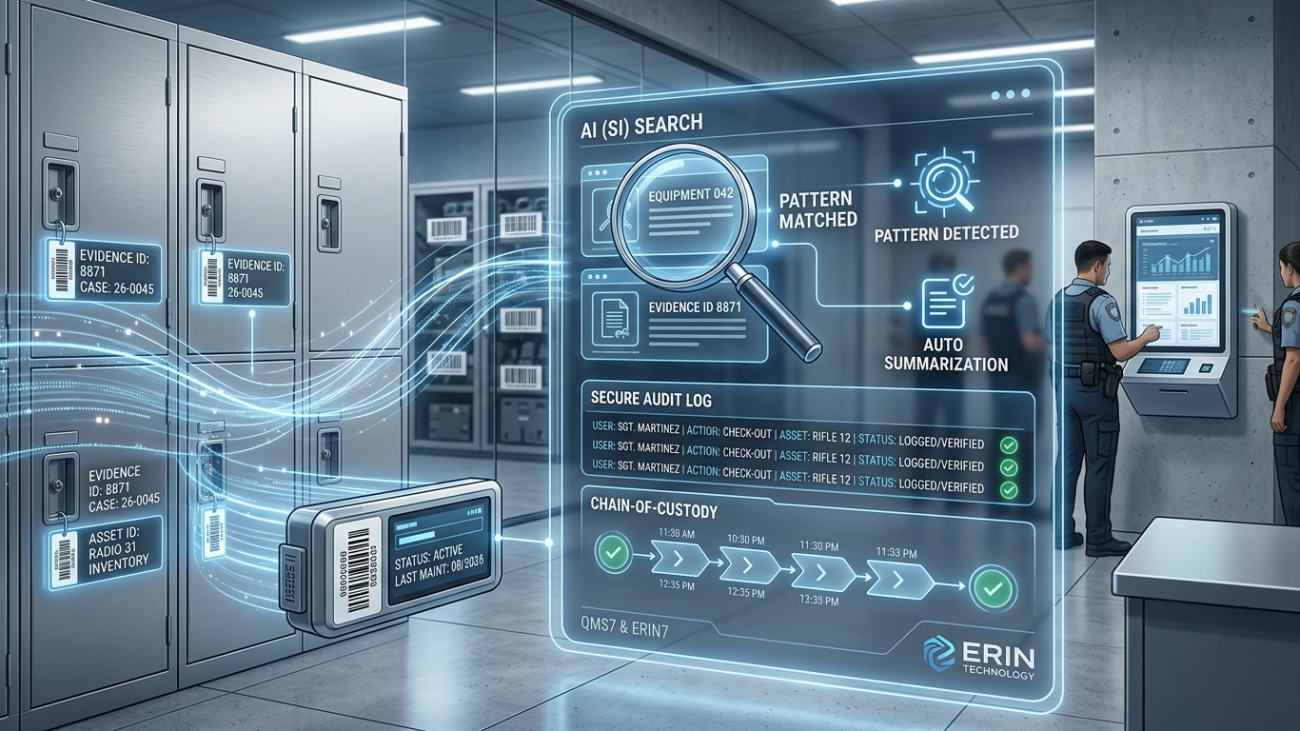
When a defense attorney challenges the evidence in a multi-defendant case, chain-of-custody is what holds up — or doesn’t. See how ERIN7 gives digital forensics units court-ready documentation from intake to disposition.
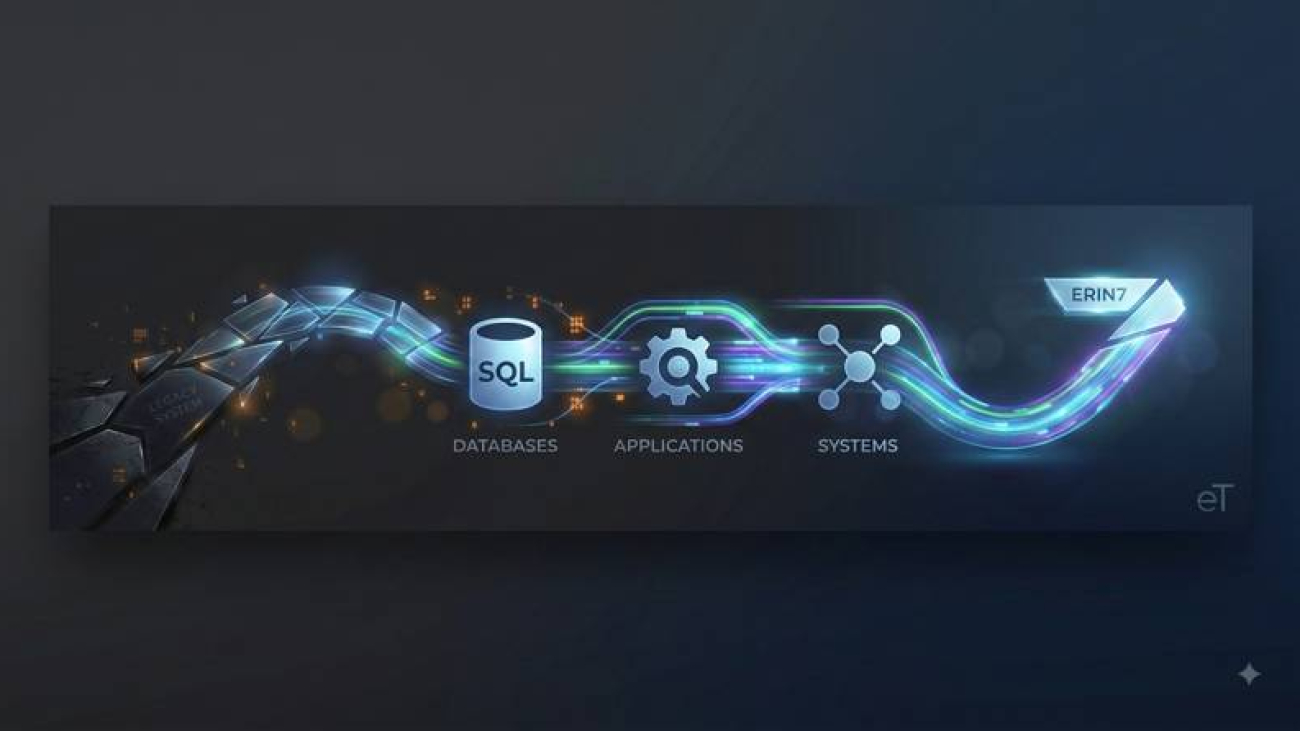
Still on a Legacy System? Here’s What Switching to ERIN7 Actually Looks Like
If your agency is still running evidence tracking on a system from another era — or worse, on paper — you already know the daily cost. Here’s what switching to ERIN7 actually involves.
The Audit Trail Nobody Can Edit — Not Even Us
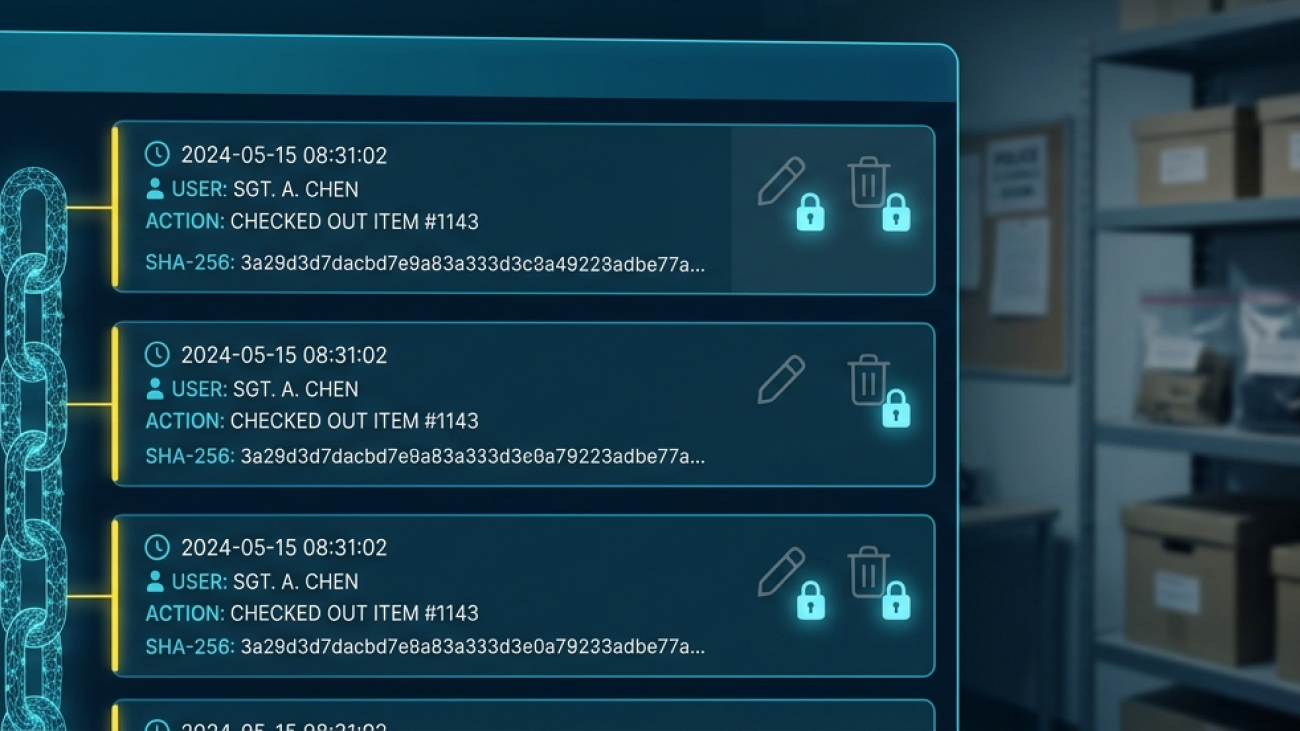
Most evidence systems write an audit log. Far fewer can tell you whether that log can be changed afterward — or by whom. ERIN7’s audit trail is append-only and hash-chained, so tampering isn’t merely prohibited. It’s detectable.
How ERIN7 Builds a Wall Defense Attorneys Can’t Knock Down
|
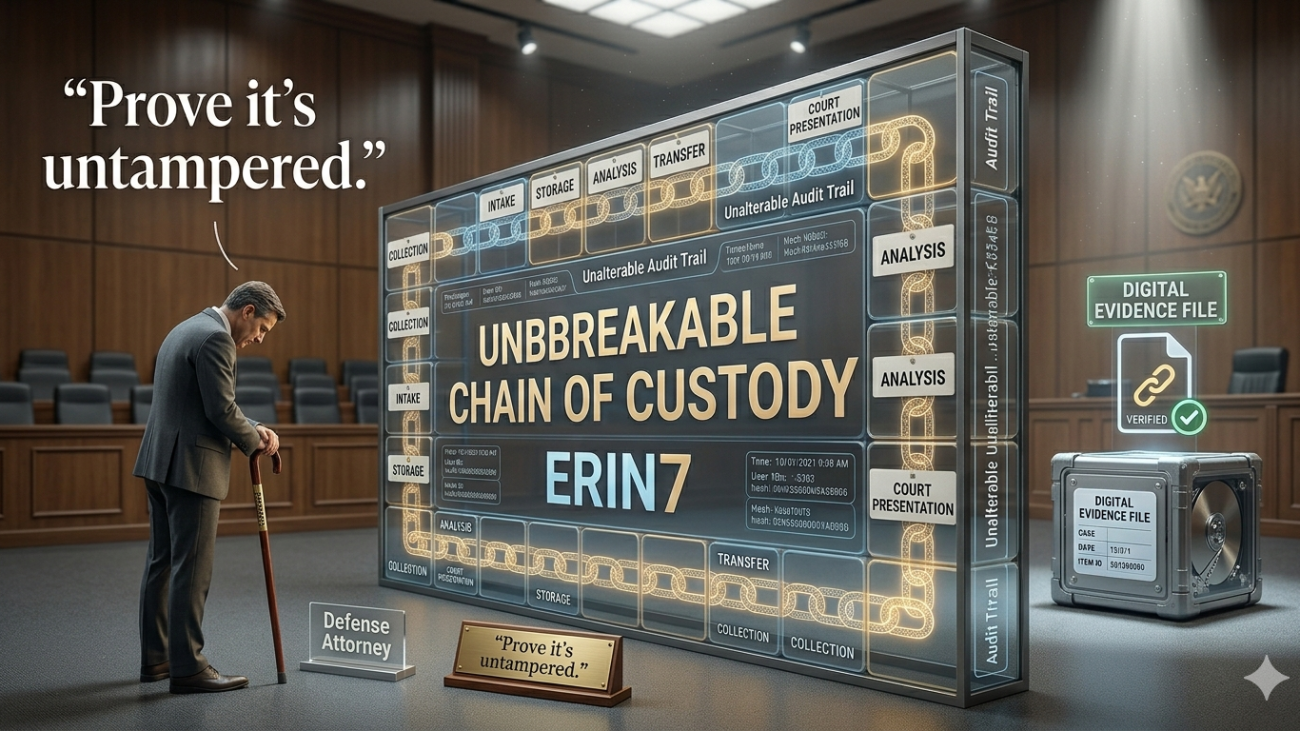
“Prove it’s untampered.” |
A defense attorney says those three words and every eye in the courtroom turns to your agency. If your answer lives in a three-ring binder, a handwritten sign-out sheet, or a collection of spreadsheets spread across different folders, you are already at a disadvantage. Paper gets lost. Handwriting gets misread. Spreadsheets do not record who made a change or when. None of that belongs in a courtroom. None of it needs to.
ERIN7 was built to answer that question — completely, instantly, and in court. Every single action taken on a piece of evidence is recorded by the system automatically, without anyone having to remember to write it down. The result is a chain-of-custody that is unbroken, tamper-evident, and always ready to produce.
This article explains what ERIN7 records, how to access those records when it matters most, and why the details built into the system make evidence challenges extremely difficult to sustain.
The Problem With Paper
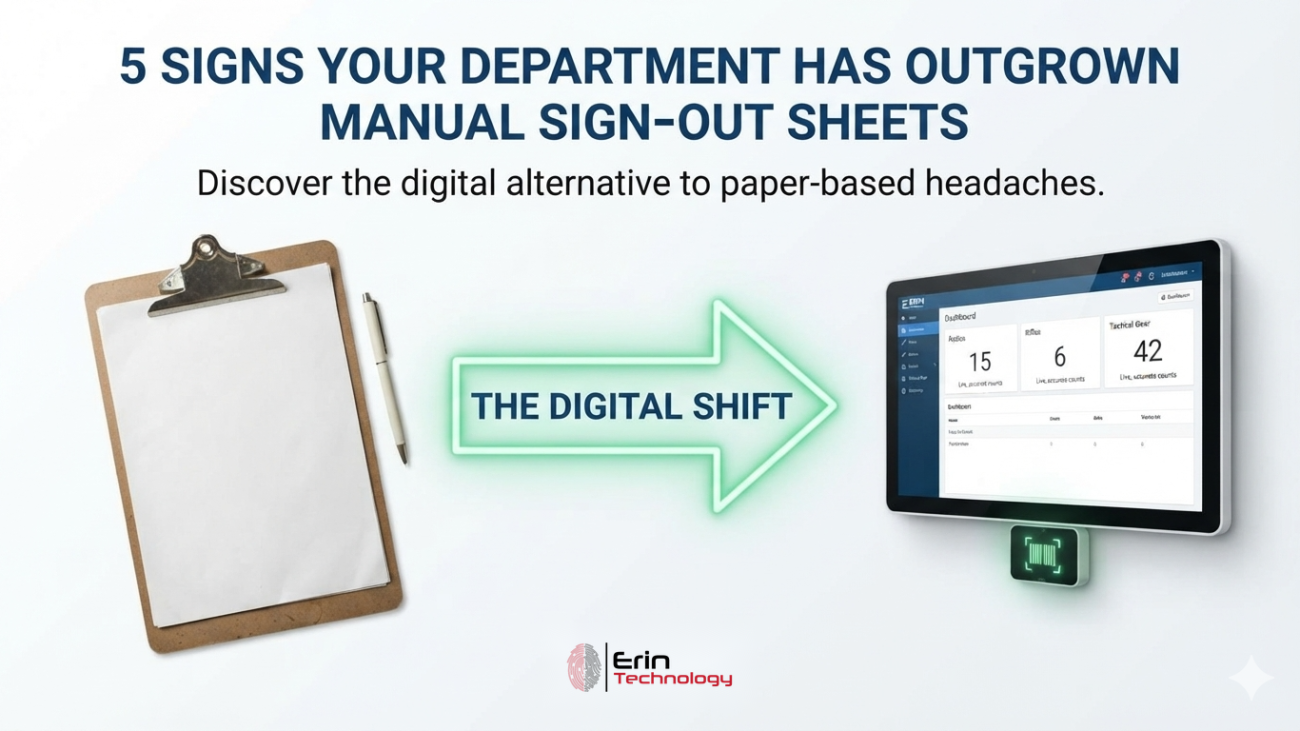
Law enforcement has relied on paper-based evidence documentation for decades. Many agencies still do. And while paper works well enough in quiet times, it tends to fall apart under the pressure of a courtroom challenge.
Frank McCully, an investigator who oversees evidence operations at a New York sheriff’s office, described what it was like before his agency moved to a modern system. You can read his full account in our Madison County Sheriff’s Office case study. Officers would hand-fill property receipts, write out chain-of-custody forms by hand, and attach the paperwork to the item before it went to the evidence building. Someone there would enter it into software and put the item on a shelf. Every step was manual. Every step was a chance for error.
“The chain-of-custody, the continuity of that item and that paperwork, could make or break a case. There’s a lot of integrity built into the chain-of-custody for every single item that we receive into this building.”
(Customer Interview – Frank McCully, Madison County Sheriff’s Office)
The problems with paper are not theoretical. Handwriting gets misread. Fields get left blank. Documents get misplaced. There is no timestamp on a handwritten entry — just whatever date someone scribbled down, which may or may not be accurate. And if someone makes a change to a paper log, there is no record of what it said before the change was made.
A defense attorney does not need to prove the evidence was tampered with. They only need to create doubt. A missing entry, a crossed-out field, or a date that does not line up is enough to raise a question in a jury’s mind. ERIN7 eliminates those vulnerabilities.
What ERIN7 Records Automatically
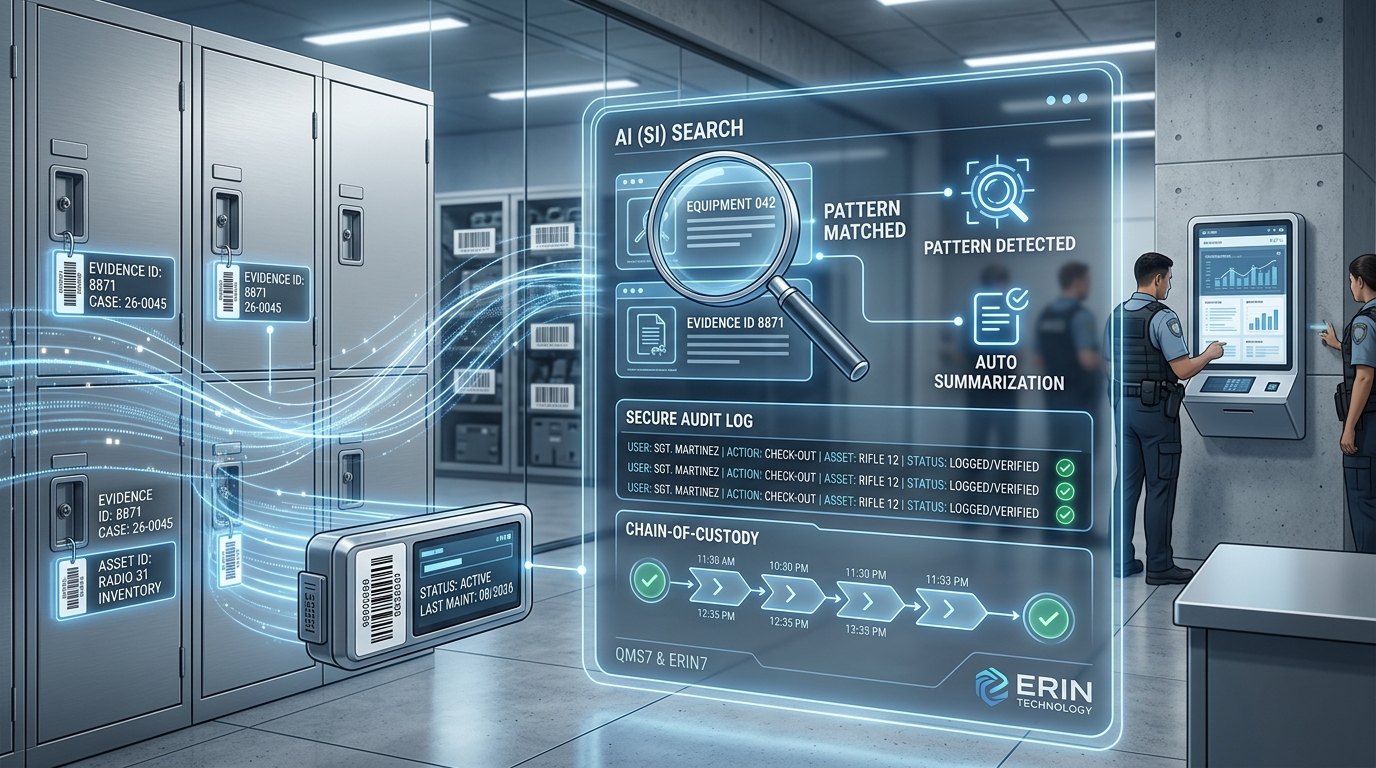
Every time anyone in ERIN7 interacts with a piece of evidence, the system creates a permanent, timestamped record. This happens in the background, without any extra steps required from the user. There is no “log this action” button. It is always running.
For every transaction — check-in, check-out, transfer, move, disposal, or any status change — ERIN7 captures the following:
- Who performed the action, identified by their login
- What action was taken
- The exact date and time, recorded down to the second
- Where the item was moved from and where it was placed
- Any notes entered during the transaction
- Digital signatures on transactions where required
That last point matters more than it might seem. ERIN7 supports digital signatures collected through a touch screen, a Topaz Signature Pad, or a mouse-drawn signature. When an officer checks an item out for court, their signature is attached to that transaction. When it comes back in, the receiving officer’s signature is attached. The custody chain shows not just who handled the item, but who signed for it at every step.
Those records are append-only. No one can edit or delete an audit entry — not an administrator, and not ERIN Technology. See how ERIN7’s audit trail works.
Have more questions about how this works? Visit our Evidence Tracking FAQ for answers to common chain-of-custody questions.
How to Pull a Chain-of-Custody Report
When you need to show the court exactly what happened to a piece of evidence, the process in ERIN7 takes less than a minute. Navigate to the item record, locate the Chain-of-Custody tab, or select Chain-of-Custody Report from the report dropdown. The system generates a complete, chronological log of every action ever taken on that item — from the moment it was first entered to the present.
That report can be exported as a PDF or printed directly. It is formatted clearly, with every transaction listed in order, every user identified, and every timestamp visible. You do not summarize what happened to the evidence. You print the full record.
For agencies with large evidence rooms, the ability to search by case number, item number, or any other field and pull the relevant report in seconds is a significant operational advantage. In the middle of a trial, when an attorney or a judge asks for documentation, the answer is not “we’ll have to look into that.” It is a printed report, ready to go.
The Detail That Wins Cases: Custom Fields and Unique Identifiers
ERIN7 does more than track movement. It captures identifying details that make it nearly impossible for a defense attorney to argue that the wrong item was processed, or that the evidence in a photograph does not match what was actually collected.
A digital forensics unit, for example, can configure ERIN7 to capture the device type, the serial number, and the IMEI number of every phone or tablet that comes through intake. The IMEI number is unique to each device worldwide. If an attorney in court questions whether the device in an evidence photo is the same device that was processed and analyzed, the IMEI number recorded at intake — and matched in the lab report and the photograph — provides a definitive answer.
One forensics lab described exactly this scenario: seven defendants being tried at the same time, with defense attorneys challenging whether the evidence being presented was the same evidence that had been processed. Because unique identifiers had been recorded in ERIN7 at intake, cross-referenced in reports, and captured in photographs, the chain of evidence was airtight.
ERIN7 allows administrators to create as many custom fields as needed and organize them by item category. A drug evidence record can capture different fields than a firearm record, which can capture different fields than an electronic device record. Every field is configured once and then becomes a permanent part of the intake form for that category — ensuring that the right information is always collected consistently, not just when someone remembers to ask for it.
Government-Grade Security Backs Every Record
The integrity of evidence records is not just about what the software captures — it is also about where those records live and how they are protected. ERIN7 is hosted on Microsoft Azure Government Cloud, the same infrastructure used by federal, state, and local government agencies across the country. Every agency’s data is kept in its own separate database, completely isolated from other customers’ records.
All access to ERIN7 is encrypted using TLS 1.2 with 256-bit certificates. This means that data moving between your agency’s devices and the server cannot be intercepted or read by anyone outside the system. Learn more about our full compliance and security standards, including CJIS, FIPS 140-2, FedRAMP, and SOC 2 Type II certification.
These certifications matter in court. When the integrity of your records is questioned, you are not relying on a verbal assurance that the system is secure. You have the documentation to prove it.
What Happens When Items Are Disposed
Chain of custody does not end when an item leaves the evidence room for the last time. Disposal documentation is part of the legal record, and gaps in that documentation can create liability long after a case is closed.
In ERIN7, the disposal workflow captures the disposal method (destroyed, returned to owner, transferred to another agency, etc.), the officer who performed the disposal, a witness, the date, the time, and optional notes. Each of these fields is required before the system will complete the disposal process. Nothing can be skipped.
If an item is later un-disposed for any reason, ERIN7 preserves the original disposal record and documents the reason for the status change. The history is never overwritten — it accumulates, so the full lifecycle of every item is always visible.
Quick Reference: What ERIN7 Logs for Every Action
|
Action |
What ERIN7 Records |
|
Check-In |
User, date/time, storage location, received by, item status, notes, signature |
|
Check-Out |
Issued by, taken by, date/time, reason, expected return date, signature |
|
Transfer |
Delivered by, received by, new location, reason, date/time, signature |
|
Move |
Delivered by, received by, new location, reason, date/time |
|
Status Change |
What changed, who changed it, previous value, new value, when |
|
Disposal |
Method, disposed by, witness, date/time, notes, signature |
|
Undispose |
Reason for reversal, new status — original disposal record fully preserved |
|
Any Field Edit |
Field name, old value, new value, user who made the change, timestamp |
The Bottom Line
Defense attorneys challenge evidence when they sense a gap — a missing log entry, an unexplained break in custody, a record that does not match a photograph. The challenge is rarely that the evidence was actually tampered with. It is that the documentation leaves room for doubt.
ERIN7 closes those gaps before they form. Every action is logged. Every user is identified. Every transaction is timestamped. Every signature is captured. The chain-of-custody report is one click away, ready to be printed and handed to a judge or placed in a case file.
When the challenge comes — and it will — your agency will not need to scramble for answers. The answers will already be there, organized, complete, and impossible to question.
Want to see how ERIN7’s chain-of-custody reporting works for your agency?
Contact ERIN Technology at (855) 558-3746 or visit erintechnology.com
Madison County Sheriff, NY Trades Paperwork for DEMS
A big part of my job was making sure paperwork was filled out correctly. It wasn’t efficient. Everyone hated the re-work. Then this happened.
10 Ways Mobile Forensics Can Benefit Your Law Enforcement Agency
Cell phones are everywhere and they often contain information law enforcement professionals need to solve crimes.
People don’t do anything without their smartphones. When one shows up at a crime scene, you need to know how to use it for your investigation, and track all the actions completed for the chain-of-custody. Proper chain-of-custody documentation for mobile devices is critical — learn how ERIN7 handles digital evidence tracking from intake through disposal.
Mobile forensics helps you use smartphones and other mobile devices to apprehend criminals or terrorists. Law enforcement once had to pound the pavement for hours to get information. The same information is often available on cell phones.
Don’t believe us? Check out these 10 ways cell phone forensics makes your job easier and faster. Proper use of mobile tools can mean the difference between life and death.
1. Mobile Forensics Tracks Victims
When you have a kidnapping by a non-custodial parent or runaway situation, time is of the essence. Every second that ticks by means your victim is in more danger. Before mobile phone forensics, police relied on information from friends and family, eye witness reports and credit card tracking.
These are still important tools, but GPS information on cell phones can help you find your victims much faster, or find out the location of your runaway without all the extra work.
Time is always against law enforcement. Cellular forensics can help turn the tide.
2. Find Out Their Timeline
When investigating a case, knowing the previous locations of a victim or suspect is vital. If a suspect’s alibi relies on him being at a certain place at a certain time, then using mobile phone data can determine if he’s telling the truth.
To determine the timeline of a victim’s last night, cell phone pings can paint a picture of their last night or week. Mobile forensic tools can create a road map that you can use in your investigation, and keep track of all that has happened to a phone for the chain-of-custody record.
3. Find Out Who People Talked To
Cell phone records are invaluable to modern criminal investigations. With proper court documents, you can get a list of phone records, texts and more to help with your investigation.
They help support your investigative theories. It clears a person of interest or helps determine the perpetrator of the crime. You can find out who was the last person the victim talked to or verify the suspect talked to the victim before the crime.
Law enforcement officers use cell phone records routinely. They are an important part of clearing suspects and closing cases.
4. Gather Evidence from Cell Phones
People use cell phones for everything. In fact, 3/4 of adults own a cell phone and they look up information on Google and store pictures on them. They are a treasure trove of potential evidence.
Law enforcement officers have discovered suspects often look up where to find ropes, duct tape, etc., on their phone before a kidnapping.
People don’t realize how important cell phones can be in a criminal case. They make mistakes and assume that no one will find out.
Pictures tell you who their friends are, places they visit and much more. There are apps for everything. Investigators find amazing evidence from the contents of a cell phone.
5. Find Out Criminal Activity from Cell Phones
Cell phones are miniature computers. They have processing power and capabilities far beyond checking Facebook and snapping selfies. Criminals can use them for identity theft, illegal surveillance, and many more crimes.
If a forensic scientist gets a cell phone, they use it to find out if it has been used for crimes.
They can dig into the data and discover hidden information the criminal tried to hide or delete. Cell phones are important for investigations and must be tracked with the chain-of-custody just like any other evidence item.
6. Paint a Picture with Cell Phone Images
When a criminal act happens in a large area, people take pictures and videos as it happens, and before. It could be a fight in an alley or a bombing of a public place.
Many high-profile bombing cases used cell phone images and videos to create a picture of what happened. They see where people were, any unusual activity or items and much more. It’s a way to recreate an event even though you weren’t there at the time.
7. Criminals Post Incriminating Evidence Using Cell Phones
Cell phones and social media go hand in hand. Millions of people use Facebook, Twitter, Instagram, Snapchat and more every day. Most people post mundane activities or funny memes. Criminals often use it to brag about their crimes.
They assume no one will see it, but police use these posts in criminal proceedings. They take cell phone videos using firearms, drugs and showing off their loot.
Cell phones are small, unlike traditional video cameras. It’s easy to take it out and make a short video that puts them in prison.
8. Get Leads with Text-A-Tip
It’s not always easy for people to talk to the police. Face-to-face and phone conversations intimidate people. Police need tips from the public to solve cases and text-a-tip programs help make it more discreet.
In today’s digital culture, texting is easier than talking. Police receive tips from cell phone text messages that help solve cases. They send confidential and anonymous texts to police and avoid meeting or talking to people.
9. Increased Crime Reporting
Before cell phones, people needed to find a phone to report a crime. They walked several blocks to find a phone, left the victim alone and other issues that hampered the investigation.
Now, cell phones let them report crimes as they happen anywhere in the world. Someone gets attacked in a rural cornfield. If they call 911, they can get their location and send help.
People record crimes as they happen. They take pictures of license plates and more.
10. Saves Time and Effort
When you’re in the field, time is of the essence. No matter what the crime, the longer it takes to solve, the colder the trail gets. What used to take hours of manual police work may now take only minutes.
Mobile phone forensics speeds up the investigation process. Instead of spending hours asking witnesses about someone’s whereabouts, you know it from cell phone records. Track people in real time instead of hours after they’ve gone.
Never Underestimate the Power of Cell Phones
Mobile forensics is growing in use and scope for investigations. Software developed to crack cell phones, examine data and track people get used daily by law enforcement in large cities and small rural communities.
If you’re interested in learning more about cell phone forensics and tracking, or law enforcement technology, feel free to explore ERIN7’s evidence tracking capabilities or contact us to schedule a demo.